
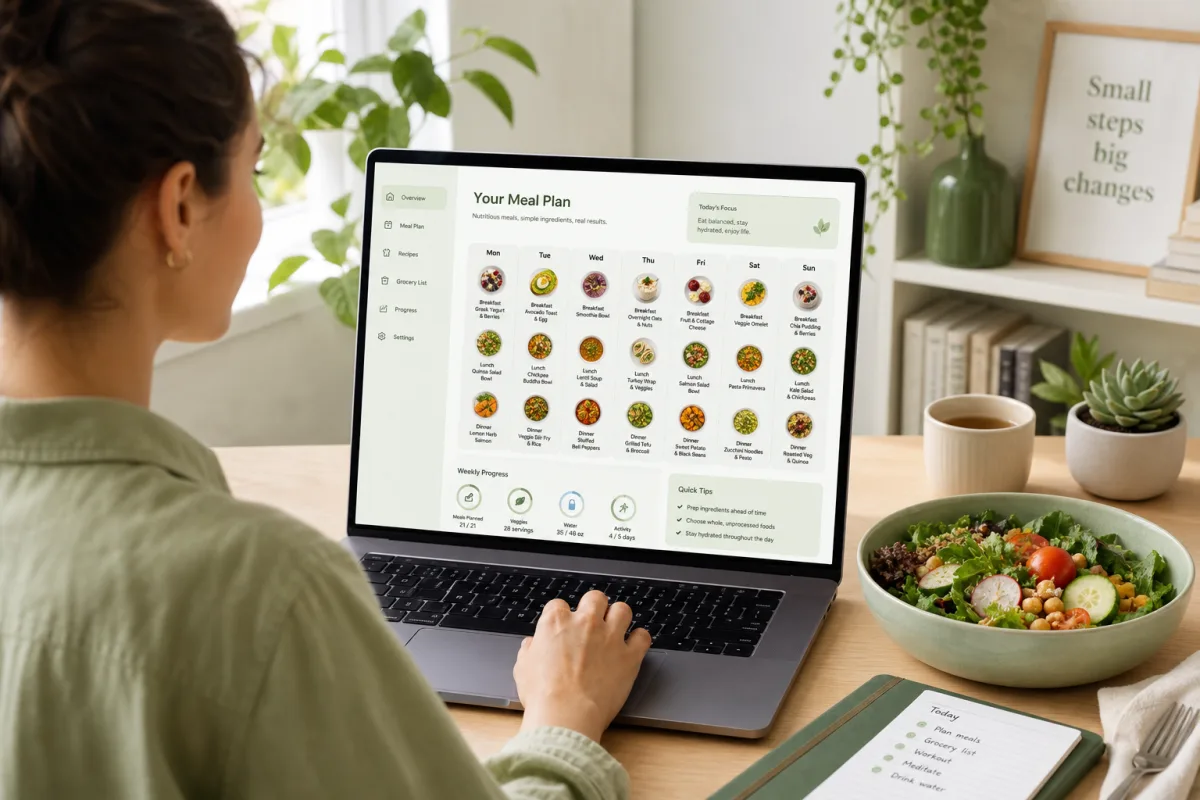
There are hundreds of meal planning apps. Most fall into one of two camps: calorie trackers that make you do all the work, or recipe apps with no connection to your goals.
If you're serious about eating better without spending your life in a food log, you need a meal planning app that actually plans — not just counts.
Here's how to evaluate your options, and the 7 features that separate useful tools from noise.
What a meal planning app should do
At minimum, a real meal planning app should:
- Calculate your personalized calorie and macro targets
- Generate a weekly meal plan with specific meals
- Match recipes to your targets — not just suggest random healthy food
- Respect your food preferences and restrictions
- Produce a grocery list or clear shopping guide
If an app only does one or two of these, you're still doing the hard work yourself.
A calorie tracker tells you what you ate. A meal planning app tells you what to eat next.
7 features that actually matter
1. Personalized calorie targets (not generic presets)
Avoid apps that default everyone to 1,500 or 2,000 calories. Your target should reflect your body metrics, activity level, and goal.
Look for: Onboarding that asks height, weight, age, sex, activity, and goal — then calculates your TDEE and adjusts for deficit or surplus.
Red flag: Fixed calorie presets with no customization.
2. Macro breakdown, not just calories
Calories drive weight change, but protein, carbs, and fat drive how you feel and perform. A good app sets all three daily targets.
Look for: Daily protein, carb, and fat targets alongside calories.
Red flag: Calorie-only tracking with no macro guidance.
3. Full weekly meal plan (not just recipe suggestions)
There's a big difference between "here are 10 healthy recipes" and "here is your Monday through Sunday plan."
Look for: A structured weekly plan with breakfast, lunch, dinner, and snacks assigned to each day.
Red flag: Recipe browsing with no plan structure — that's Pinterest, not meal planning.
4. Recipes matched to your targets
Recipes should fit your daily numbers, not just be labeled "healthy." A 900-calorie dinner doesn't work if your daily target is 1,800.
Look for: Per-meal and per-day calorie and macro totals that align with your targets.
Red flag: Generic recipe library with no nutritional matching.
5. Food preferences and exclusions
A plan full of foods you hate is a plan you won't follow. Personalization must include what you like and what you avoid.
Look for: Preference settings for dietary needs, disliked ingredients, and meal types.
Red flag: One-size-fits-all meal plans with no customization.
6. Reasonable cooking time
The best meal plan fails if every recipe takes 60 minutes. Busy people need 10–30 minute meals as the default.
Look for: Quick, practical recipes — not chef-level complexity.
Red flag: Every recipe requires 15 ingredients and specialty equipment.
7. Progress tracking (optional but valuable)
You don't need a food diary, but tracking weight, adherence, or weekly consistency helps you adjust over time.
Look for: Simple progress dashboard — not a second job of logging every bite.
Red flag: Apps that require logging every meal to be useful (that's a tracker, not a planner).
Meal planning app vs calorie tracker: know the difference
| Feature | Calorie tracker | Meal planning app |
|---|---|---|
| Primary job | Log what you ate | Tell you what to eat |
| Daily effort | High (log every meal) | Low (follow the plan) |
| Personalization | Minimal | Core feature |
| Weekly structure | None | Built in |
| Best for | Learning portions | Long-term consistency |
Many people start with a tracker, burn out in two weeks, and conclude "nutrition apps don't work." The tool was wrong for the job.
Questions to ask before you subscribe
Before paying for any meal planning app, answer these:
- Does it calculate my targets or use generic numbers?
- Does it give me a full week or just recipes to browse?
- Can I set food preferences and exclusions?
- Are the meals realistic for my cooking skill and time?
- Can I see per-meal macros before I commit to cooking?
- Is there a free trial or money-back guarantee?
- Does it work on web/mobile where I actually plan and shop?
What NoroMeal does differently
NoroMeal is built specifically as a meal planning app — not a calorie tracker with recipes bolted on.
- Personalized calorie and macro targets from your body metrics and goal
- Weekly meal plan with matched recipes for every day
- Food preferences — favorite and avoid lists that shape your plan
- Quick, practical meals designed for real schedules
- Progress tracking to stay consistent week over week
If you've tried tracking apps and quit, the problem wasn't your discipline — it was the tool.